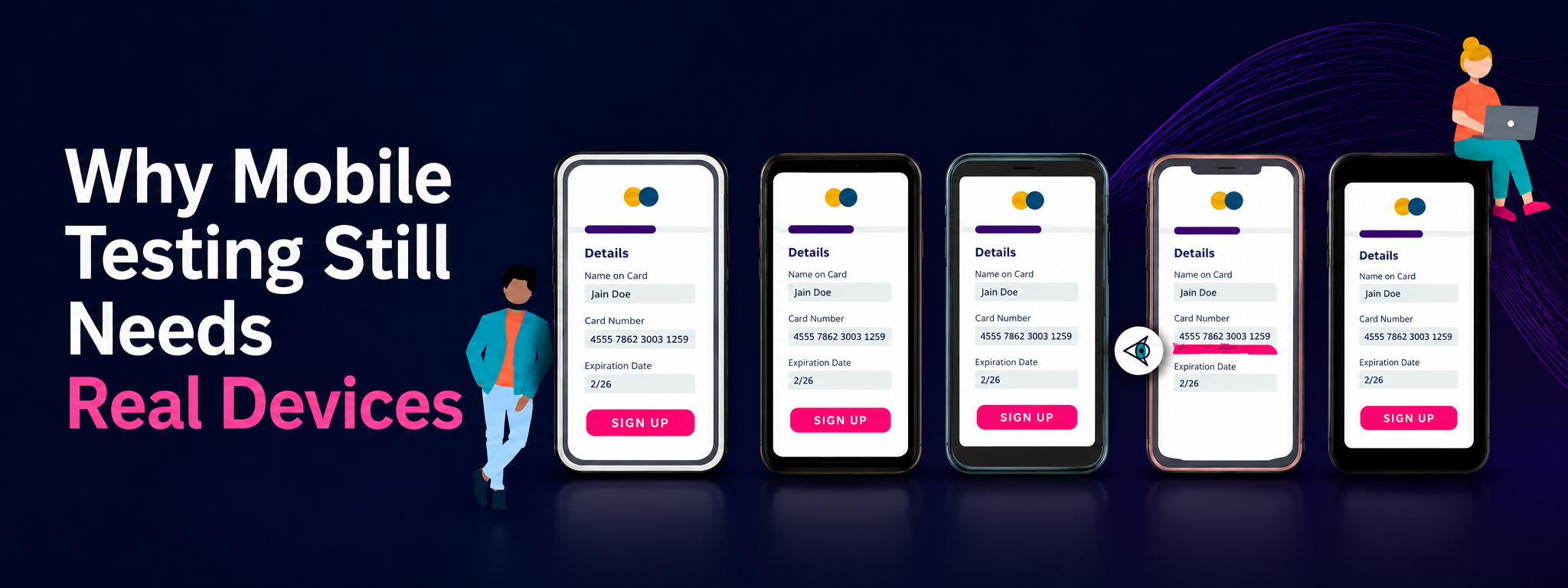

Why Mobile Testing Still Needs Real Devices
A practical look at why emulators and simulators are useful in mobile QA, but real devices still matter for performance, usability, sensors, interruptions, network behaviour and release confidence.
Mobile testing has become easier than it used to be.
You can open Chrome DevTools, switch to a mobile viewport and quickly check how a page looks on a smaller screen. You can run an Android emulator. You can use the iOS Simulator. You can automate mobile web flows with Playwright. You can run native app checks with Appium. You can use cloud platforms instead of keeping a drawer full of phones.
All of that is useful.
But it has also created a small trap.
Sometimes a product passes mobile testing without ever being used like a real person would use it on a real device.
That is where problems start.
A mobile product is not only a screen size. It is a hand holding a phone while walking. It is a weak network. It is a keyboard covering half the form. It is a notification interrupting checkout. It is low battery mode. It is a camera permission prompt. It is Safari behaving differently from Chrome. It is a cheaper Android device struggling with performance.
This is why real-device testing still matters.
Not because emulators are bad.
Because they are not enough on their own.
Emulators and simulators are useful
It would be unfair to say mobile testing should only happen on real devices.
Emulators and simulators are useful because they are fast, repeatable and accessible. They help teams test earlier. They help developers reproduce issues. They help QA check different screen sizes and operating system versions without waiting for physical devices.
For many teams, this is the right first layer of mobile testing.
Use emulators and simulators to catch obvious problems early. Check layout issues. Run repeatable flows. Test basic navigation. Validate that core screens load. Use them during development before the product reaches final release testing.
They are especially useful when the question is simple:
Does the page fit?
Does the flow still work?
Does the app install?
Does the form submit?
Does the main journey break immediately?
That kind of feedback should come early and often.
The mistake is not using virtual devices.
The mistake is treating them as proof that the mobile experience is safe.
Where virtual devices start to lie
Virtual devices are controlled environments.
That is their strength, but also their weakness.
A simulator or emulator can represent many things, but it cannot perfectly represent the physical reality of a phone. It does not always show the same performance limits, memory pressure, battery behaviour, hardware differences, manufacturer changes, camera behaviour, biometric flows, physical sensors or real network conditions.
Even when the screen looks correct, the experience can still be wrong.
A button may be visible in a simulator but difficult to tap with a thumb on a real phone. A page may scroll smoothly on a powerful development machine but feel slow on a lower-end Android device. A permission flow may look predictable in a controlled test but feel confusing when triggered during real use.
A mobile web page may pass a viewport check but break when Safari handles input focus differently.
This is the part mobile QA needs to respect.
A virtual device can tell you whether something works in a controlled approximation.
A real device tells you more about whether it works in the world.
Mobile is physical
Desktop testing is usually done from a stable position.
The user sits at a desk. The screen is large. The keyboard is physical. The connection is often stable. The browser window is easier to inspect. The user has more space, more precision and usually fewer environmental interruptions.
Mobile is different.
The user may be standing, walking, travelling, eating, waiting in a queue or using the product with one hand. The screen is smaller. The keyboard takes space. Taps are less precise than mouse clicks. The user may switch apps, receive calls, lose connection, rotate the device or put the phone away halfway through a flow.
That physical reality changes how bugs appear.
A form that feels acceptable on desktop can feel annoying on mobile. A modal that looks fine on a big screen can trap the user on a phone. A sticky footer can cover the main button. A dropdown can become awkward to use. Error messages can appear below the visible area. A payment redirect can return to the wrong state after the app is backgrounded.
This is why mobile testing cannot be reduced to “check the responsive layout.”
Real mobile usage has movement, touch, interruption and context.
Real devices help QA see that.
What real devices reveal better
Real-device testing is strongest when the product depends on things that are hard to simulate fully.
Performance is one of the biggest examples. A feature may feel instant on a powerful laptop running an emulator, but slow on a mid-range phone with less memory and background apps running. The difference matters because users do not judge performance in theory. They judge it by how the product feels in their hand.
Touch interaction is another area. It is one thing to click a button with a mouse. It is another thing to tap it with a thumb while holding the phone. Real devices expose small but important usability issues: touch targets that are too small, controls placed too close together, swipe gestures that conflict with scrolling and menus that feel clumsy.
Then there are hardware and platform features: camera, microphone, biometrics, push notifications, location, Bluetooth, NFC, vibration, device rotation and permission prompts. These are not decorative details. In many products they are part of the actual user journey.
Real devices also reveal browser and OS differences more honestly. Mobile Safari, Chrome on Android, Samsung Internet and WebViews do not always behave the same way. A product can pass one mobile browser and still fail on another.
And finally, real devices reveal emotional friction better.
That may sound less technical, but it matters. When you hold the product in your hand, you notice whether it feels easy, heavy, slow, confusing or fragile. You notice whether the user has to think too much. You notice whether a flow works technically but feels uncomfortable.
That is product quality, not just bug hunting.
Real-device testing does not mean testing every phone
One reason teams avoid real-device testing is that it sounds impossible.
There are too many devices, too many operating system versions, too many browsers and too many screen sizes. Trying to test everything is not realistic for most teams.
But serious mobile QA does not mean testing every phone.
It means choosing devices intentionally.
A useful device set can be small if it is selected well. QA should look at the product’s users, supported platforms, analytics, market, risk and common device patterns.
If most users are on iPhone and Android Chrome, those need coverage. If the product serves a market where lower-end Android devices are common, testing only on a new flagship phone gives false confidence. If the product has many tablet users, tablet coverage matters. If the product depends on camera, location or payments, real-device coverage becomes more important.
A practical starting point could be:
one current iPhone
one older supported iPhone
one common Android device
one lower-end or mid-range Android device
one small screen
one large screen
one tablet if the product supports tablet use
This is not perfect coverage.
But it is much better than testing mobile only in a desktop browser.
The goal is not total coverage.
The goal is risk-aware coverage.
The flows that deserve real devices
Not every small check needs a real phone.
If QA is checking whether a text label changed, an emulator or desktop responsive mode may be enough. If the goal is to quickly confirm that a screen loads, virtual testing can be fine.
Real-device testing matters more when the flow is important, physical, sensitive or risky.
Good examples include sign up, login, onboarding, checkout and payments, redirects back from third-party services, camera or file upload, location-based features, push notifications, permission prompts, password reset, account settings, subscription changes, chat and messaging, offline or interrupted flows, forms with many inputs and flows affected by the mobile keyboard.
These are the places where “it worked in the simulator” is not enough.
The more user trust, money, account access or business-critical state is involved, the more real-device testing matters.
A better way to combine testing layers
The best mobile QA strategy is layered.
Use desktop responsive checks for fast layout feedback. Use emulators and simulators for early testing, automation and repeatable coverage. Use cloud devices when you need broader device access. Use physical real devices for high-risk flows, usability, performance and final release confidence.
A practical workflow could look like this:
1. Test early with emulators and responsive tools.
2. Use automation for repeatable mobile checks.
3. Use selected real devices for high-risk flows.
4. Review production signals after release.
This gives teams a practical balance.
Fast feedback where speed matters.
Real-device confidence where accuracy matters.
What QA should report from real-device testing
A good mobile bug report should make the environment clear.
It is not enough to write: “The button does not work on mobile.”
That kind of report creates follow-up questions.
A better report includes device model, operating system version, browser or app version, screen size if relevant, network condition, orientation, user role, steps to reproduce, expected result, actual result, screenshot or screen recording, and console, network or API evidence where relevant.
It should also say whether the issue reproduces on emulator, real device or both.
This matters because mobile bugs are often environment-sensitive.
A bug that appears only on iPhone Safari is different from a bug that appears on every mobile browser. A bug that appears only on a low-end Android phone may point toward performance. A bug that appears only after rotating the device may point toward layout state. A bug that appears only after switching apps may point toward lifecycle handling.
The more specific the report, the faster the team can understand the risk.
Real devices bring QA closer to the user
Jonathan Kohl’s mobile testing mnemonic, “I SLICED UP FUN,” is a useful reminder that mobile testing is broader than simple functionality. It points testers toward inputs, store concerns, location, interruptions, communication, ergonomics, data, usability, platform, function, user scenarios and network conditions.
That is the right mindset.
Mobile QA should not only ask whether the feature works.
It should also ask:
What happens when the user is interrupted?
What happens when the network changes?
What happens when the keyboard opens?
What happens when permission is denied?
What happens when the app is backgrounded?
What happens on the device our users actually have?
Real devices make those questions more honest.
They force the product into the same kind of environment where users will judge it.
Where Laidoner Solutions helps
Laidoner Solutions helps software teams improve release quality through practical QA testing, API validation, automation support, localization QA and clear defect reporting.
Mobile QA is a good example of why that combination matters.
A mobile issue may look like a UI bug, but the real cause may be an API response, a redirect problem, an unsupported browser behaviour, a slow network condition or a missing error state. A product can pass desktop checks and still create a poor experience on mobile.
The work can include mobile web testing, real-device checks, responsive layout review, mobile form testing, checkout and payment flow testing, API validation behind mobile flows, mobile usability review, regression checks around risky flows and clear bug reports with device-specific evidence.
The point is not to create a huge device lab.
The point is to test closer to how users actually experience the product.
Final thoughts
Mobile testing still needs real devices because users use real devices.
That sounds obvious, but it is easy to forget when modern tools make mobile testing look simple from a desktop screen.
Emulators, simulators and responsive tools are valuable. They should be part of the workflow. They help teams move faster and catch problems earlier.
But they should not be the final word on mobile quality.
Real devices reveal different problems. They show performance, touch behaviour, hardware limitations, platform differences, interruptions, permissions, sensors and usability details that controlled environments can miss.
The best approach is not emulator versus real device.
It is emulator plus real device.
Use virtual tools for speed.
Use real devices for confidence.
That is how mobile QA gets closer to the user.
Sources and further reading
Need practical QA support?
Laidoner Solutions helps software teams with manual QA, API testing, localization review, release checks and clear defect reporting.
Contact Us