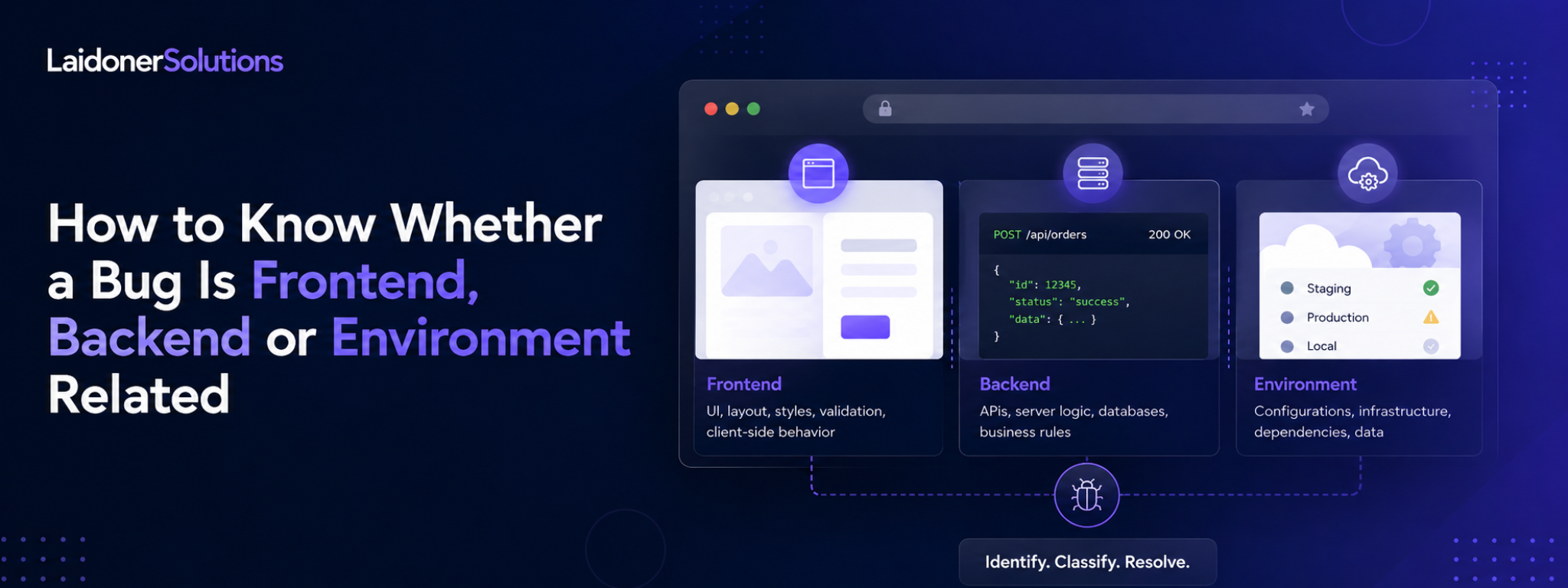

How to Know Whether a Bug Is Frontend, Backend or Environment Related
A practical guide for QA engineers on using DevTools evidence, API responses, user roles, test data and environment clues to classify bugs more clearly.
Not every bug belongs to the same place.
A user clicks a button and nothing happens. A status does not update. A form says success, but the data is missing. An API returns an error. A page works locally but fails on staging.
The visible issue may look simple, but the cause can sit in different parts of the system. It can be frontend, backend, environment, data, configuration, permissions or a mix of several things.
That is why one of the most useful QA skills is not only finding the bug. It is helping the team understand where the problem most likely belongs.
This does not mean QA has to diagnose every root cause perfectly. That is usually a development task. But QA can collect better evidence, reduce guesswork and report issues in a way that helps the team investigate faster.
Testing is not only confirmation. It is investigation. A bug is not only an event on the screen. It is a clue about the system. Good testing follows the clues.
Why classification matters
A vague bug report creates unnecessary back-and-forth.
If a report only says “Cancel button does not work,” the developer still has to ask basic questions. Was the button clickable? Was the request sent? Did the API fail? Did the UI ignore the response? Was the user allowed to cancel? Was the environment even up to date?
A better report does not need to solve everything, but it should narrow the problem.
For example:
Cancel button is clickable.
PATCH /api/contracts/123/cancel returns 409.
Response: Contract cannot be canceled after payment_started.

UI still shows a generic success toast.
Now the team has useful information. The issue may involve backend state rules, but the user-facing problem is also frontend error handling.
That is much more useful than “Cancel does not work.”
Start with what the user sees
Before opening DevTools or checking API responses, describe the user-visible issue clearly.
What did the user try to do? What did they expect? What actually happened? Which role was used? Which environment? Which browser or device? Was the issue consistent or intermittent?
A good starting point could be: “On staging, a buyer tries to cancel an active contract after the payment step has started. The UI shows a success toast, but after refresh the contract remains Active.”
That gives the human context first. The technical evidence should support the user-facing issue, not replace it.
When the issue is an API/UI mismatch
Some of the most useful QA findings happen when the frontend and backend technically work, but they do not agree with each other.
The backend may return a clear error, but the UI shows a generic message. The API may return updated data, but the UI still shows the old value. The UI may show success even though the request failed.
Example:
POST /api/contracts/123/release
Response: 409 Conflict
Error: Escrow deposit is not confirmed yet

UI message: Something went wrong.
The API response is useful, but the UI hides the useful part from the user.
This kind of issue sits between frontend, backend and product quality. The request may be handled correctly, but the product still fails to explain what happened.
A practical investigation flow for QA
A good QA investigation does not need to be complicated.
Start by reproducing the issue normally through the UI. Confirm the environment, user role, account state and exact steps.
Then check the Console. If there is a frontend error before any request is sent, capture it.
Next, check the Network tab. Was the request sent? Which endpoint? Which method? What payload? Which status code? What response?
Then compare the API response with the UI. Did the UI display the right result? Did it show the right error? Did it update after refresh?
A simple mental flow is:
What did the user see?
Was a request sent?
What did the backend return?
Did the UI handle it correctly?
Does it happen with other users, data or environments?
What area does the evidence suggest?
This is not about being perfect. It is about being systematic.
How to avoid overclaiming root cause
QA should be careful with wording.
It is usually better to say “this suggests” or “likely area” instead of pretending to know the final root cause.
Instead of writing “Backend is broken,” write: “The request reaches the backend and returns 500. This looks backend-related based on the current evidence.”
Instead of writing “Frontend bug,” write: “No request is sent, and a console error appears after clicking Submit. This suggests the issue happens in the frontend before the backend is reached.”
That wording is more professional and more accurate. QA provides evidence. Developers can then confirm the exact cause in code.
What to include in the bug report
A strong report should include enough evidence for the team to act.
Useful details include the environment, user role, build or version, steps to reproduce, expected result, actual result, console errors, request payload, response status, response body, account state, feature flags, likely area and user impact.
Not every report needs every field. A small UI bug may only need clear steps and a screenshot. A backend, permission or environment issue usually needs more evidence.
The goal is not to make the report long. The goal is to make it useful.
Where Laidoner Solutions helps
Laidoner Solutions helps software teams with this kind of practical investigation during manual QA, exploratory testing, regression checks, API validation and product quality reviews.
The value is not only finding visible defects. It is reporting them with enough context to help the team understand what is happening.
That can include checking request and response behaviour, identifying frontend/backend mismatches, documenting environment limitations, testing role-based behaviour, reviewing validation errors and making unclear product states visible before release.
For teams without enough QA capacity, this kind of investigation can save time because developers receive clearer findings instead of vague symptoms.
The goal is simple: better evidence, clearer reports and fewer avoidable surprises for users.
Final thoughts
A bug is not always just “a bug.”
It may be frontend. It may be backend. It may be environment-related. It may be test data. It may be permissions. It may be a product rule nobody clarified. Sometimes it is several of these at once.
Good QA helps separate those possibilities.
That does not require guessing the root cause perfectly. It requires observing carefully, collecting useful evidence and explaining what the evidence suggests.
The stronger the investigation, the more useful the bug report becomes. And the more useful the bug report becomes, the faster the team can understand what really needs to be fixed.
Sources and further reading
Need practical QA support?
Laidoner Solutions helps software teams with manual QA, API testing, localization review, release checks and clear defect reporting.
Contact Us