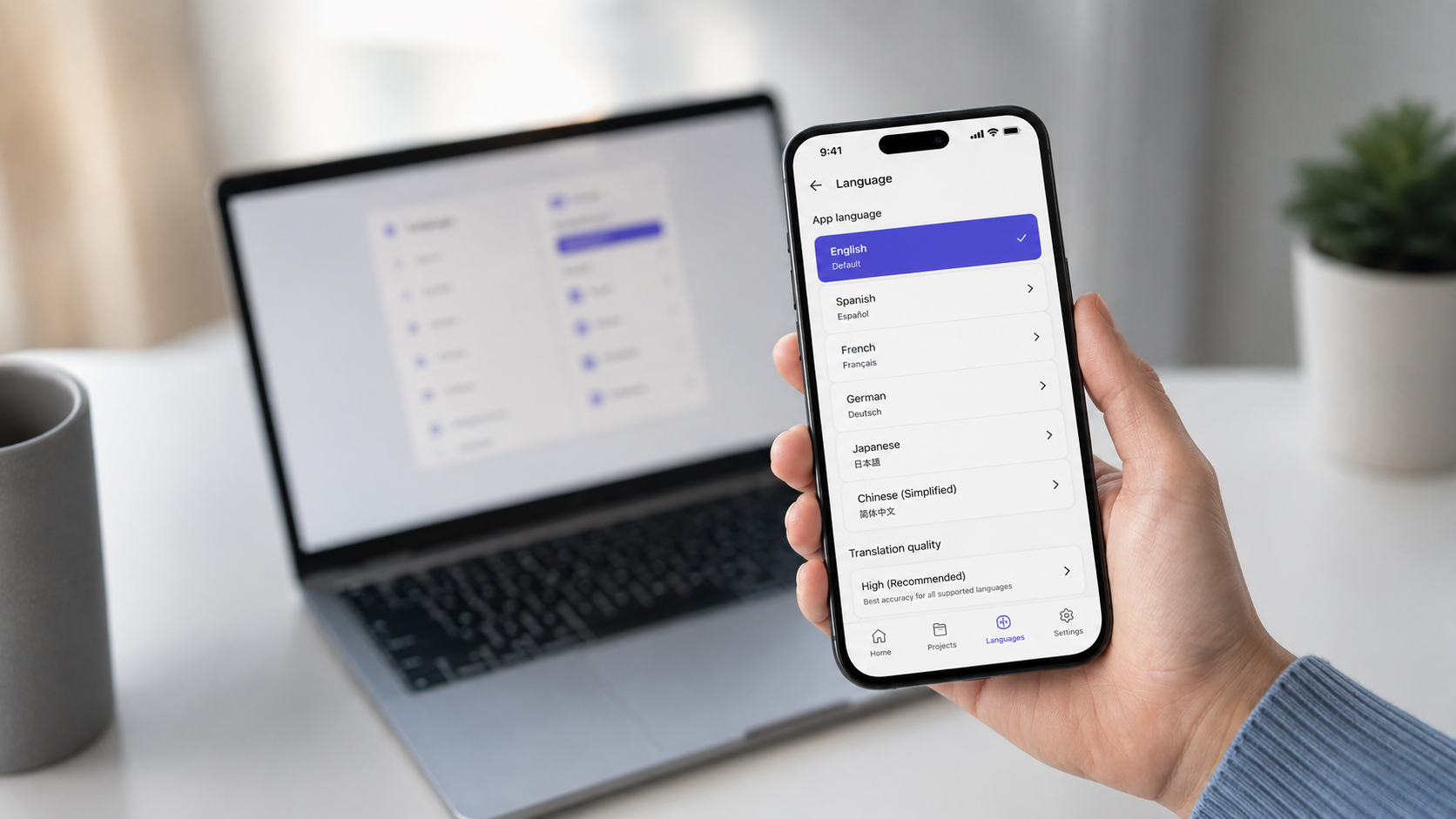

The Complete Guide to Mobile App Localization Testing
Localization testing helps mobile apps feel clear, familiar and reliable for users in different languages, markets and cultures.
Imagine opening two versions of the same app.
One is written in your native language. The other is written in a language you understand well, but it still feels a little less natural.
Most people would choose the first one.
That says a lot about how users behave. People do not only want a product that works. They want a product that feels familiar, clear, and made for them.
This is where localization testing becomes important.
Localization is not just about translating words from one language into another. It is about making sure the full product experience works for a specific market, language, culture, and user expectation.
A translated app can still feel broken if the buttons are too small, the text does not fit, error messages sound strange, or the date and currency formats are wrong.
So let’s look at what mobile app localization testing actually means, why it matters, and how to approach it properly.
Why Localization Testing Matters for Mobile Apps
Without proper localization testing, many things can go wrong.
Text can overflow. Buttons can disappear. Some strings may stay in the original language. Error messages can become unclear. Special characters may not render correctly. A layout that looked perfect in English can suddenly break when translated into another language.
And from the user’s side, this usually does not feel like a small localization issue.
It feels like a poor product experience.
Localization testing helps make sure that the app feels natural and works correctly for users in the target market. It checks both the language and the product behavior around that language.
Good localization can improve the user experience, increase trust, support market growth, and make the product feel more professional.
A Better User Experience
Localization testing is part of quality assurance, but it is not only about finding bugs.
It is also about understanding how users experience the product.
When an app is adapted properly for a specific region, users feel more comfortable using it. They do not need to stop and think about what a button means, why a date looks strange, or whether a message applies to them.
The product feels familiar.
And that matters.
Many companies can build strong features. Fewer companies manage to make those features feel natural in different markets.
Better Engagement and Trust
People are more likely to use a product when it speaks their language properly.
Not only translated language, but language that makes sense in context.
When users see familiar wording, correct formats, and culturally relevant content, the product feels more reliable. It shows that the company has made an effort to understand them.
This helps build trust.
And trust is important, especially for mobile apps where users may be signing up, entering personal information, making payments, booking services, or relying on the product daily.
Better Discoverability
Localization can also help users find the app.
App stores often rely on localized titles, descriptions, keywords, and screenshots. If these are translated and adapted properly, users in different markets have a better chance of discovering the product.
But localization should not stop at the app store page.
If the store listing is localized but the app itself feels unfinished, users will quickly notice the gap.
That is why localization should be part of the overall product quality process, not just a marketing task before launch.
Wider Market Reach
English is widely used, but it is not the native language for most people in the world.
If a product only works well in English, it naturally limits who can use it comfortably.
Localization opens the door to more users, more regions, and more business opportunities. But only if the localized version is tested properly.
Launching in a new language without proper QA can create the opposite effect. Instead of reaching a new market, the product may look rushed or unreliable.
Stronger Brand Image
Users notice effort.
When a product feels adapted to them, they are more likely to see the company behind it as professional and trustworthy.
Localization testing helps with that. It shows that the product team cares about more than just releasing quickly. It shows that they care about how the product actually feels to users in different markets.
That is a strong signal.
Localization and Internationalization
Localization and internationalization are often mentioned together, but they are not the same thing.
Internationalization is the preparation work.
It means the product is built in a way that makes it possible to support different languages, regions, and formats later.
- Text strings are separated from the code
- The layout can handle longer and shorter text
- The product supports different date and time formats
- The system can handle special characters and non-Latin scripts
- The UI is flexible enough for different languages
Localization is the actual adaptation for a specific market.
- Translating the interface
- Adjusting date, time, number, and currency formats
- Reviewing cultural references
- Checking images, icons, and examples
- Adapting legal or market-specific content
- Making the product feel natural for the target audience
In simple words, internationalization prepares the product for different markets. Localization adapts it to one of those markets. Localization testing checks whether that adaptation actually works.
What Should Be Included in Localization Testing?
Localization testing should cover more than visible text.
A good localization QA process looks at the product as a whole and checks how the localized version behaves in real use.
Language Support Testing
The first thing to check is the language itself.
All text should be translated, including menus, buttons, labels, placeholders, tooltips, error messages, empty states, emails, help text, and system messages.
It is also important to check that the text is not only translated, but clear in context.
A sentence can be technically correct and still sound strange inside the product.
Special characters, accents, and non-Latin scripts should also be tested to make sure they display correctly across devices and browsers.
UI Layout and Design Testing
Translated text often changes length.
Some languages need more space than English. Others may be shorter. This can affect buttons, cards, modals, tables, navigation menus, mobile screens, and onboarding flows.
Localization QA should check for:
- Cut-off text
- Overlapping elements
- Broken buttons
- Misaligned labels
- Text that pushes other elements out of place
- Poor readability on smaller screens
This is especially important on mobile, where space is limited.
Cultural Adaptation Testing
Localization is also about culture.
Images, icons, colors, examples, humor, references, and tone can all work differently depending on the market.
Something that feels normal in one country may feel confusing or inappropriate in another.
Cultural adaptation testing helps make sure the product does not only speak the right language, but also respects the expectations of the users in that region.
Functional Testing
Localization can affect functionality too.
Changing language or region should not break the app.
QA should check that the core features still work correctly in the localized version. This includes navigation, forms, buttons, filters, search, sign-up, login, checkout, payments, calendars, profile settings, and any other important user flow.
Some languages may also require specific input methods or keyboard layouts, especially when using non-Latin scripts.
These details should be tested in real use, not only reviewed visually.
Date, Time, Currency, and Number Formats
Small formatting issues can create big confusion.
Dates, times, currencies, decimal separators, thousands separators, phone numbers, and addresses can vary between regions.
For example, a date like 05/06/2026 can mean different things depending on the country.
If these formats are wrong, users may misunderstand important information. In products related to bookings, finance, contracts, payments, or deadlines, this can create serious issues.
Media Content
If the app includes videos, audio, subtitles, images, or other media, this also needs localization review.
Subtitles should match the spoken content. Voiceovers should fit the context. Images and examples should make sense for the target market.
Media is sometimes forgotten during localization, but users will still experience it as part of the product.
Legal and Regulatory Content
Legal content should be checked carefully.
This includes terms of service, privacy policies, cookie notices, consent messages, disclaimers, payment information, and any market-specific legal text.
These areas are not only about wording. They may also need to match local requirements.
For products that handle personal data, payments, accounts, marketplaces, or financial flows, this is especially important.
Notifications and Emails
Localization does not stop inside the app.
Push notifications, email confirmations, password reset emails, payment updates, status messages, and alerts should also be checked.
A common issue is that the app itself is translated, but emails or notifications still contain mixed languages or old wording.
This creates an inconsistent experience.
Notifications should also be checked for timezone behavior, formatting, timing, and clarity.
Device and Platform Compatibility
Mobile localization testing should be done across different devices, screen sizes, operating systems, and browsers where relevant.
A screen may look fine on one device and break on another.
This is especially important when testing longer translated text, different fonts, or languages with special characters.
Performance and Usability
The localized version should not only look correct. It should also feel good to use.
QA should check loading, responsiveness, navigation, and general usability.
If possible, it is useful to involve native speakers or users from the target market. They can notice wording, tone, and cultural details that a non-native tester may miss.
Documentation and Reporting
Localization issues should be reported clearly.
A good bug report should include:
- Affected language
- Page or flow
- Device and browser
- Current text or behavior
- Expected text or behavior
- Screenshot or screen recording
- Severity or user impact
This makes it much easier for developers, translators, designers, and product people to understand and fix the issue.
Practical Tips for Mobile App Localization Testing
Localization works best when it is planned early.
Trying to add it at the very end of development often creates more work. The team may suddenly discover that the layout cannot handle longer languages, the code is not ready for multiple formats, or important strings are hardcoded.
It is better to think about localization from the start.
Build the product in a way that supports future markets. Keep text separate from code. Use flexible layouts. Think about different formats early. Then include localization QA as part of the normal testing process.
Another important point is to test functionality, not only text.
Translation is only one part of localization. The real goal is to make sure the user can complete their flow without confusion.
That means testing the app as a user would use it.
Open the app. Change the language. Create an account. Fill forms. Trigger errors. Complete payments. Receive emails. Check notifications. Move through the product naturally.
This is where many real localization issues appear.
Automation can help with repeated checks, missing strings, and screenshots. But it should not replace human review.
Localization has too much context for automation alone. Tone, culture, wording, and user feeling still need human judgment.
How to Build a Localization Testing Strategy
A simple localization testing strategy should start with the target audience.
Which markets are you releasing to?
Which languages matter first?
Which devices and operating systems are most common in those markets?
Which flows are most important for users?
Once this is clear, the team can define the scope.
For example, the scope may include the mobile app, landing page, signup flow, checkout flow, emails, notifications, legal pages, and support content.
Then the team should prepare test cases or checklists around the most important areas.
The goal is to test the localized product in a realistic way, not only read through translations in a spreadsheet.
After testing, issues should be fixed, retested, and checked again as part of regression testing.
Localization is not a one-time task. When the product changes, the localized versions also need to be maintained.
New features, new flows, new emails, and new legal text all need to be reviewed again.
A Typical Localization QA Process
A practical localization QA process can look like this:
Planning
The tester gets familiar with the product, target market, supported languages, and key user flows.
This is where the scope is defined.
The team should agree on what needs to be tested, which devices are covered, which languages are included, and what the quality expectations are.
Test Design
The tester prepares checklists, test cases, devices, accounts, and environments.
The focus should be on real user behavior.
This may include signup, login, onboarding, profile settings, payments, search, filters, checkout, notifications, and any flow that matters to the product.
Test Execution
The localized app is tested in practice.
The tester checks language, layout, formatting, functionality, usability, and consistency.
Issues are reported with clear steps, screenshots, and expected results.
Stabilization
After fixes are made, the tester retests the issues.
Smoke testing and regression testing are also useful here because localization fixes can sometimes affect other parts of the product.
Delivery
After testing is complete, the team gets a clear overview of what was tested, what was fixed, what still needs attention, and whether the localized version is ready for release.
This gives the team better confidence before launching in the target market.
Final Thoughts
Localization testing is not just about making an app available in another language.
It is about making the app feel right for the people using it.
A well-localized product feels clear, familiar, and trustworthy. A poorly localized product can feel unfinished, even if the main functionality works.
For software teams entering new markets, localization QA can make a big difference.
It helps catch issues before users do. It improves the release quality. And most importantly, it shows users that the product was actually made with them in mind.
Need practical QA support?
Laidoner Solutions helps software teams with manual QA, API testing, localization review, release checks and clear defect reporting.
Contact Us